The Link-Me API allows you to programmatically create, manage, and track shortened URLs. This tutorial will walk you through everything you need to get started.
Authentication
All API requests require authentication using a Bearer token. You can generate your API key from the dashboard settings.
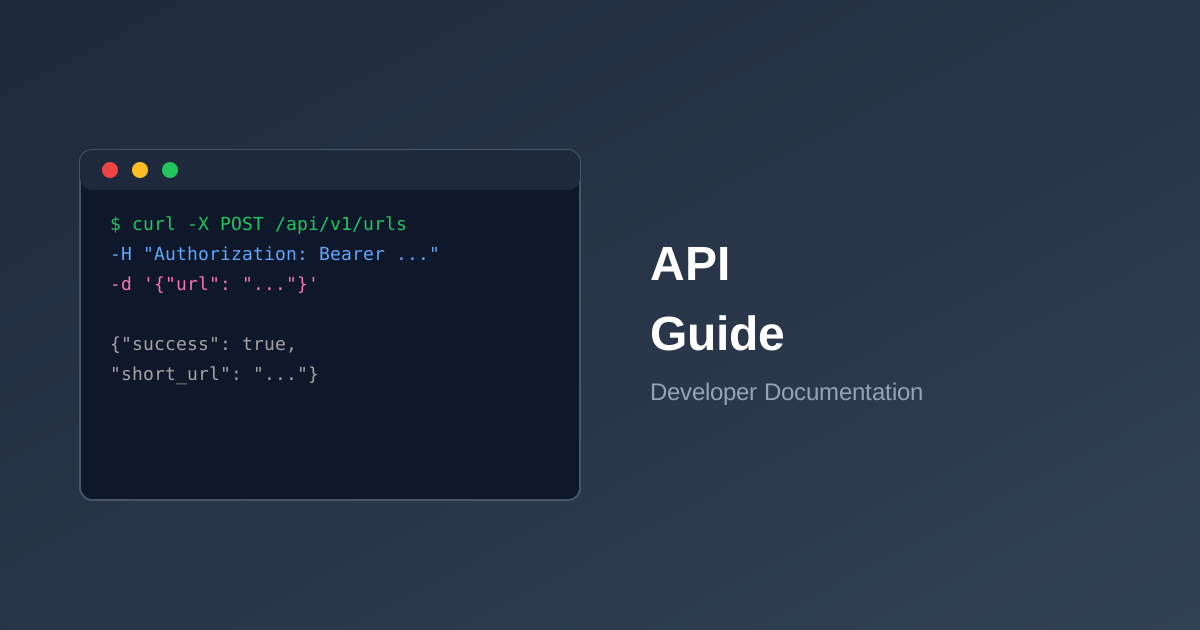
curl -X POST https://link-me.com/api/v1/urls \
  -H "Authorization: Bearer YOUR_API_KEY" \
  -H "Content-Type: application/json" \
  -d '{"url": "https://example.com/very-long-url"}'
Creating a Short URL
To create a new short URL, send a POST request to the /api/v1/urls endpoint:
{
  "url": "https://example.com/your-long-url",
  "custom_slug": "my-custom-slug",  // optional
  "expires_at": "2025-12-31",       // optional
  "password": "secret123"            // optional
}
Response Format
Successful responses return JSON with the following structure:
{
  "success": true,
  "data": {
    "id": 12345,
    "code": "Ab3xY9k",
    "short_url": "https://link-me.com/Ab3xY9k",
    "original_url": "https://example.com/your-long-url",
    "click_count": 0,
    "created_at": "2025-01-15T10:30:00Z"
  }
}
Retrieving Analytics
Get detailed statistics for any of your shortened URLs:
GET /api/v1/urls/{code}/stats
Rate Limits
API requests are rate-limited based on your plan:
- Free: 10 requests/minute, 50 URLs/day
- Pro: 60 requests/minute, 1,000 URLs/day
- Business: 300 requests/minute, 10,000 URLs/day
SDKs and Libraries
We offer official SDKs for popular programming languages:
- PHP (Laravel integration available)
- JavaScript/Node.js
- Python
Check our documentation for complete API reference and examples.