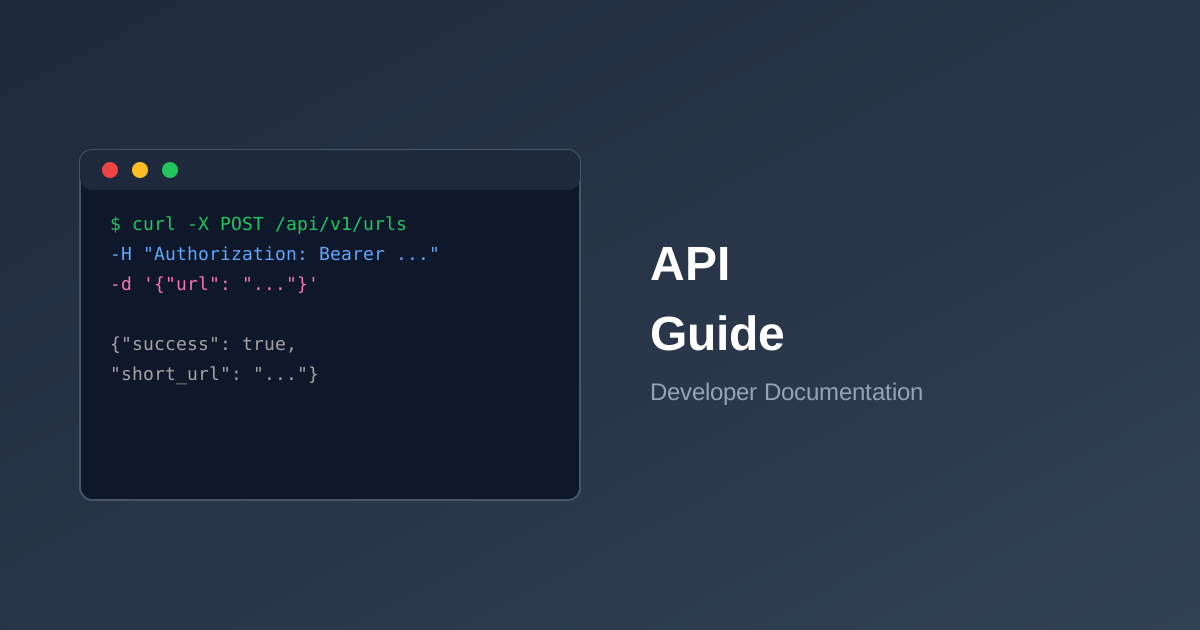
In this tutorial, we'll build a simple link shortener feature in a Laravel application using the Link-Me API.
Prerequisites
- Laravel 10 or higher
- PHP 8.1+
- A Link-Me API key
Step 1: Install Guzzle
composer require guzzlehttp/guzzle
Step 2: Configure Environment
Add your API key to .env:
LINKME_API_KEY=your_api_key_here
LINKME_API_URL=https://link-me.com/api/v1
Step 3: Create a Service Class
<?php

namespace App\Services;

use Illuminate\Support\Facades\Http;

class LinkMeService
{
    protected string $apiKey;
    protected string $apiUrl;

    public function __construct()
    {
        $this->apiKey = config('services.linkme.key');
        $this->apiUrl = config('services.linkme.url');
    }

    public function shorten(string $url, ?string $customSlug = null): array
    {
        $response = Http::withToken($this->apiKey)
            ->post("{$this->apiUrl}/urls", [
                'url' => $url,
                'custom_slug' => $customSlug,
            ]);

        return $response->json();
    }

    public function getStats(string $code): array
    {
        $response = Http::withToken($this->apiKey)
            ->get("{$this->apiUrl}/urls/{$code}/stats");

        return $response->json();
    }
}
Step 4: Create a Controller
<?php

namespace App\Http\Controllers;

use App\Services\LinkMeService;
use Illuminate\Http\Request;

class LinkController extends Controller
{
    public function __construct(
        protected LinkMeService $linkMe
    ) {}

    public function store(Request $request)
    {
        $validated = $request->validate([
            'url' => 'required|url',
            'custom_slug' => 'nullable|string|max:50',
        ]);

        $result = $this->linkMe->shorten(
            $validated['url'],
            $validated['custom_slug'] ?? null
        );

        return response()->json($result);
    }
}
Step 5: Add Routes
Route::post('/shorten', [LinkController::class, 'store']);
Error Handling
Always handle potential API errors gracefully:
try {
    $result = $this->linkMe->shorten($url);

    if (!$result['success']) {
        return back()->withErrors(['url' => $result['message']]);
    }

    return redirect()->back()->with('short_url', $result['data']['short_url']);
} catch (\Exception $e) {
    Log::error('Link-Me API error: ' . $e->getMessage());
    return back()->withErrors(['url' => 'Unable to shorten URL. Please try again.']);
}
Next Steps
From here, you can expand the integration to include:
- Bulk URL shortening
- Analytics dashboard
- Webhook handling for real-time updates
- QR code generation
Check out our full API documentation for more capabilities.